Ready in seconds

01 / 06
Resize once. Publish everywhere.
Turn one source image into a full set of platform-ready exports. Framecraft keeps the crop intentional so every channel feels like your brand.
Resize your photoResize, expand, polish, and export your images with a clear point of view. Framecraft keeps the busywork small so the work can stay yours.
Set a platform-ready canvas in one click.
Start with a preset, then make the small adjustments your image needs. Your crop stays in your hands.
Six focused tools, one consistent workspace, and the controls you actually need.
Turn one source image into a full set of platform-ready exports. Framecraft keeps the crop intentional so every channel feels like your brand.
Resize your photo
Extend the canvas when your original crop feels too tight. Keep the subject centered and create breathing room for captions, layouts, and covers.
Expand your image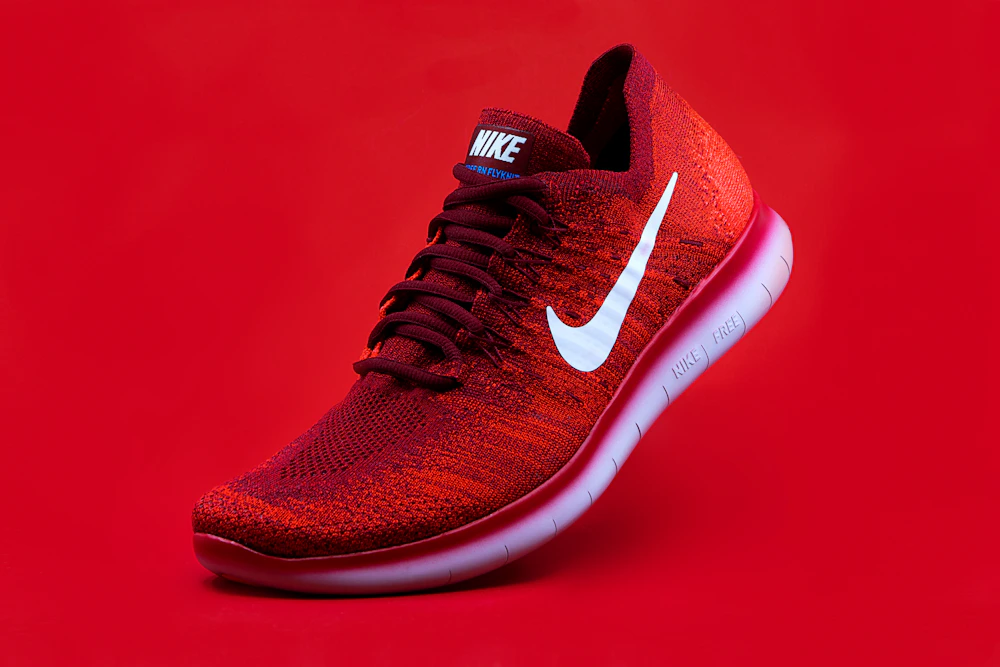
Create a clean cutout-style export for product drops, profile cards, and thumbnails. A calm background puts the focus where it belongs.
Remove the background
Upscale a local preview to a larger canvas for sharper delivery. Choose quality first when your work is headed to print or a large screen.
Upscale an image
Switch between JPG, PNG, and WEBP without opening another app. Compare formats in context, then ship the version that fits your workflow.
Convert an image
Dial in compression with a visible quality control, so your upload stays quick without turning a crisp image into a compromise.
Compress an imageStart free and add power when your workflow calls for it. Every plan includes the same focused workspace.
The presets are exactly where I need them. I can move from a raw photo to a full social set without losing the original crop.
I do not need to learn a new editing program every time a platform changes its dimensions. The workspace makes the decision obvious.
The local processing is the best part. I can prep an image on a flight, then export it the moment I get a connection back.
Our team finally has one visual language for the last mile: resize, convert, compress, done.
Still deciding? Here is the short version of how Framecraft works and what stays on your device.
Contact the teamDesigned for the last mile of every creative workflow.